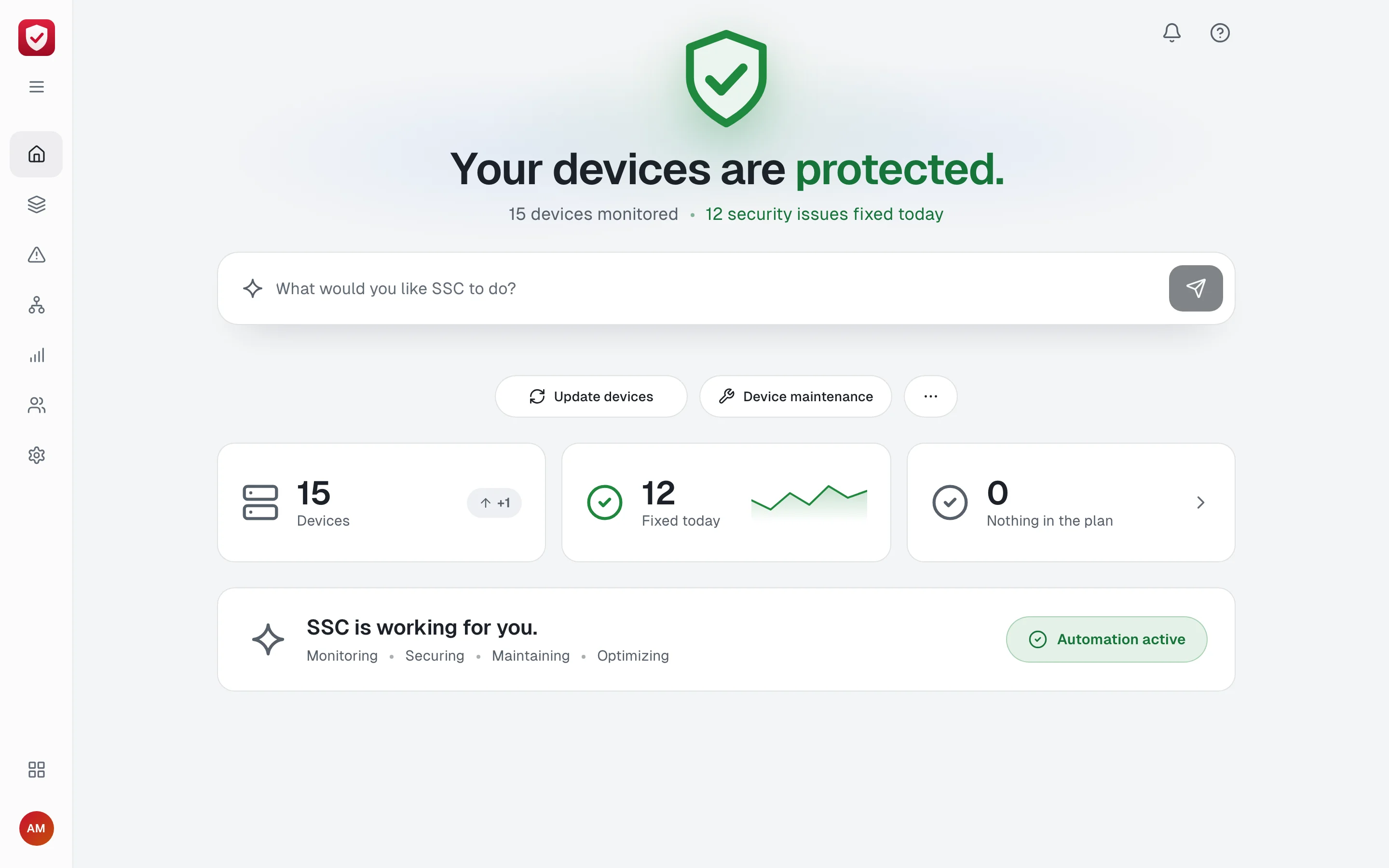
Your status at a glance
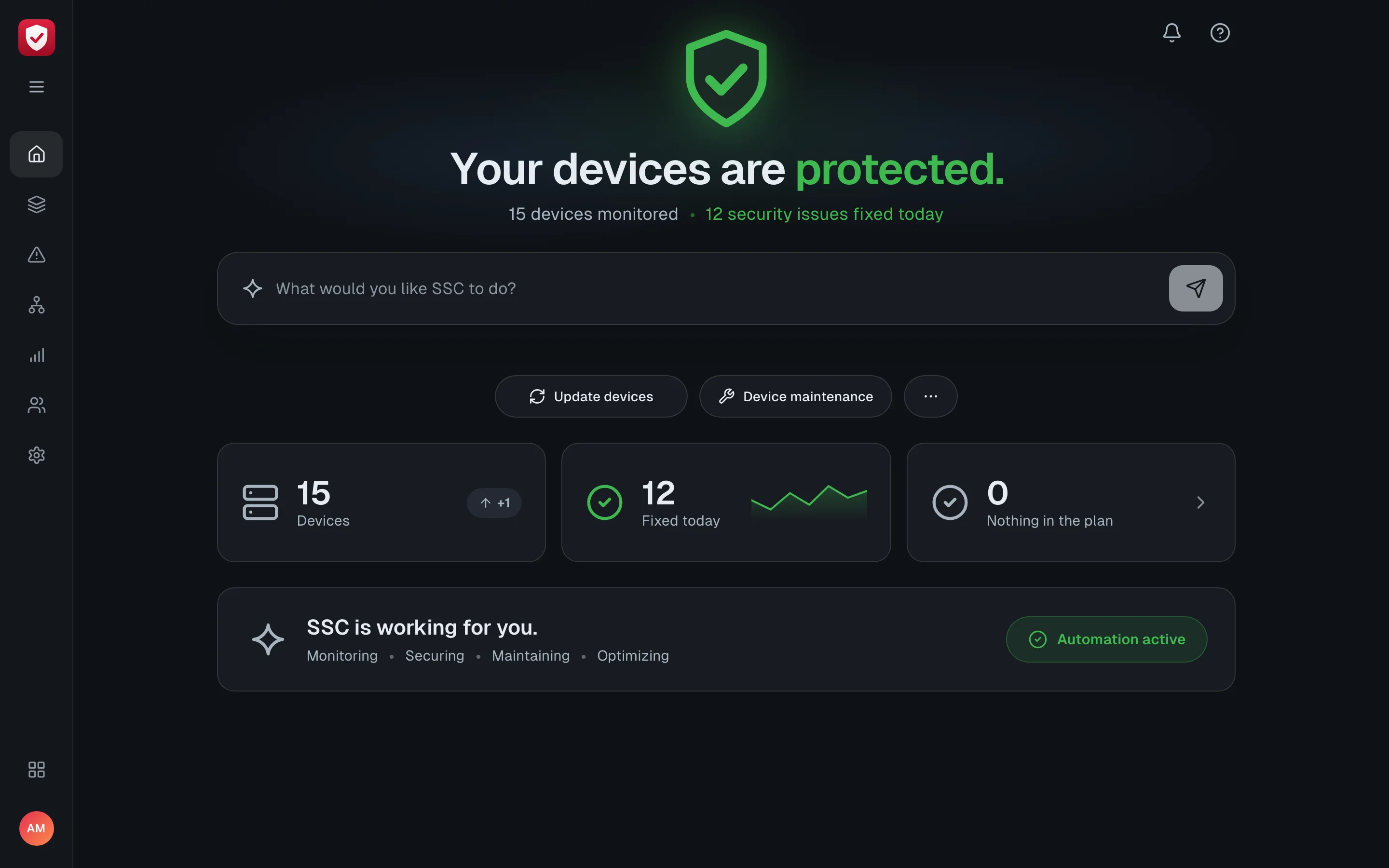
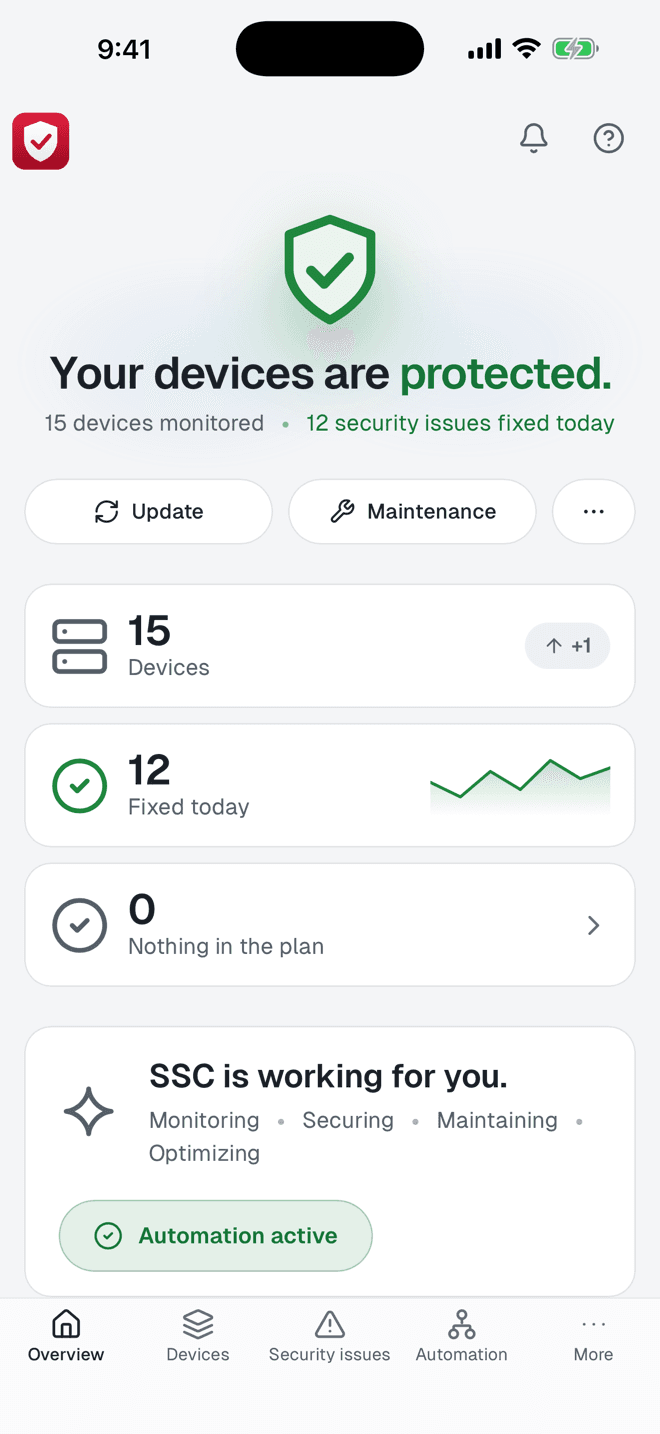
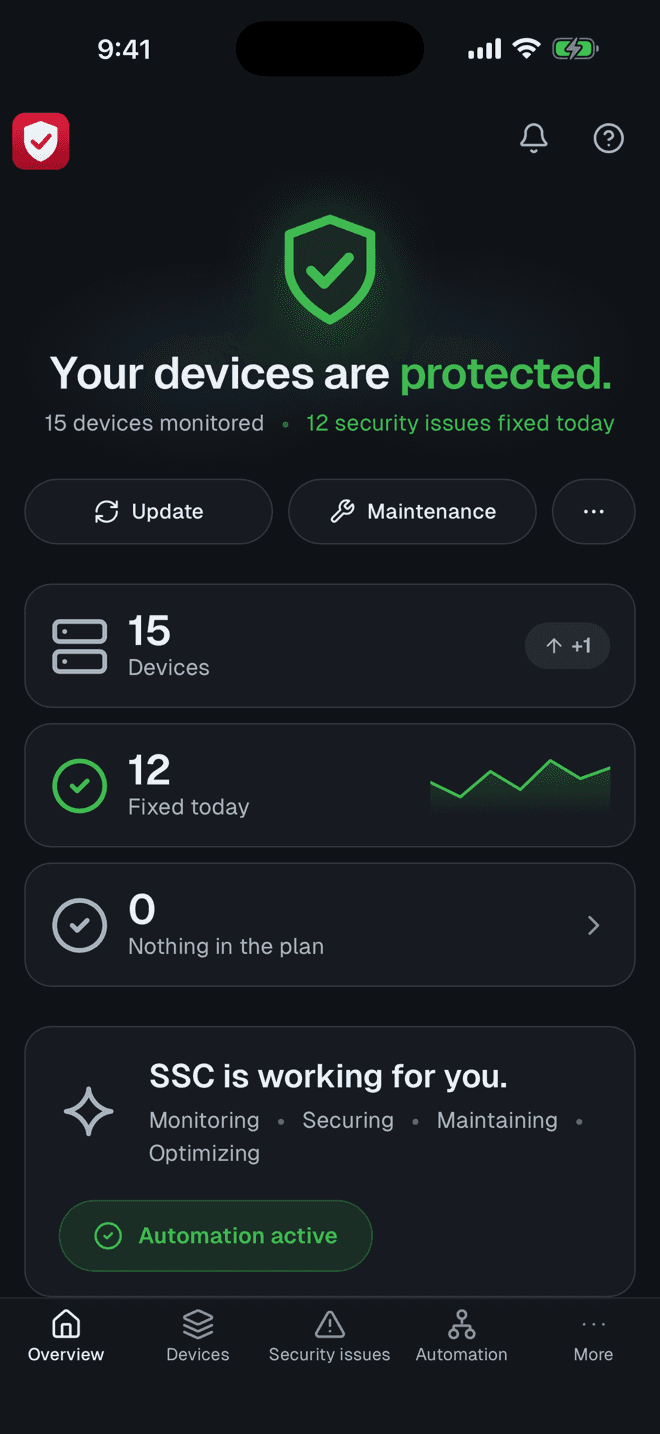
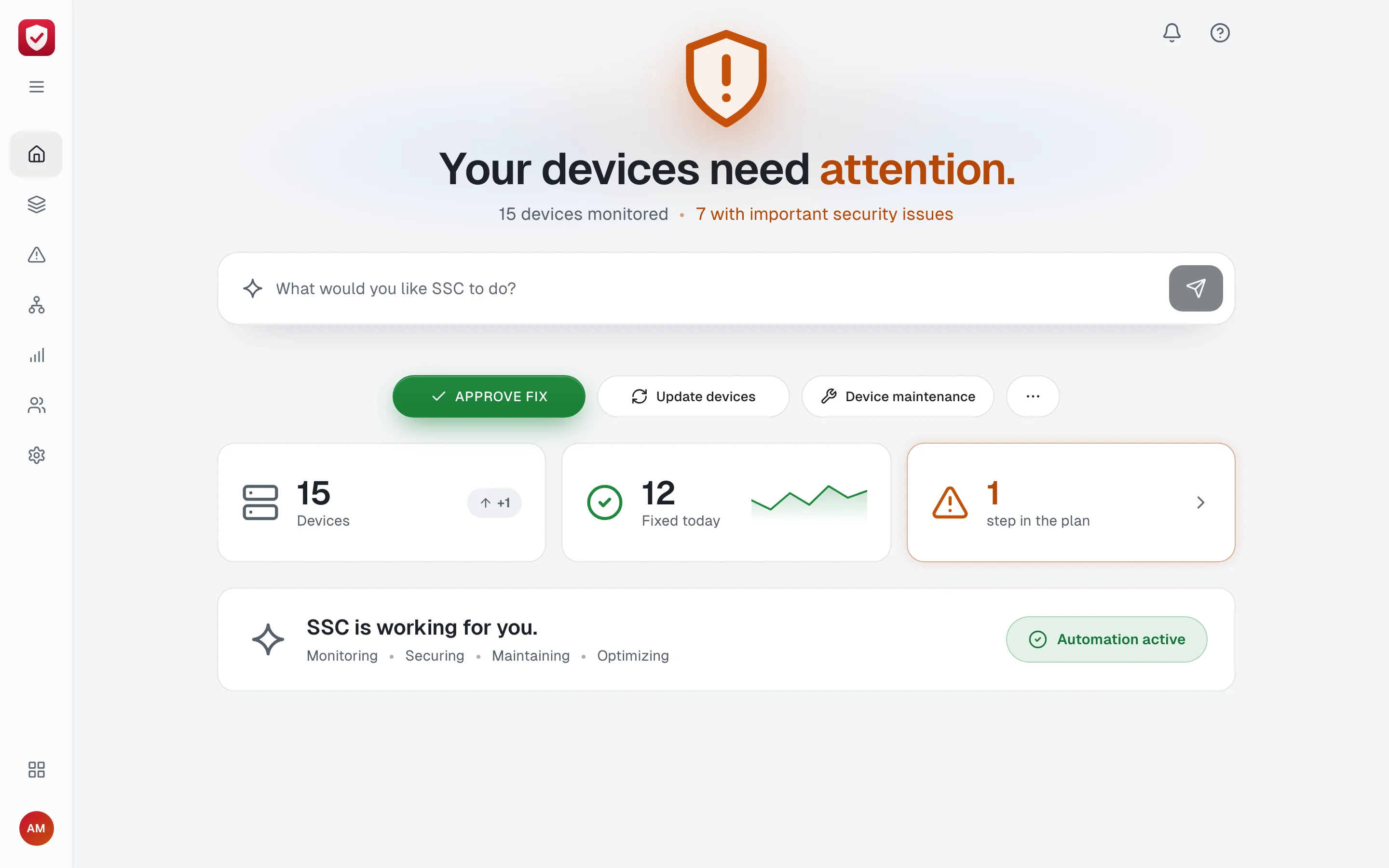
Not secure, getting safer or protected: one color, one sentence, and three tiles: devices, fixed today, needs approval.
Sentinel Security Center (SSC) checks your devices for known security issues and fixes them step by step, only with your approval.
Free for up to 3 devices · No credit card · No end date
Everything in one place
Simple Mode shows where you stand in plain words. Expert Mode shows IT professionals every detail.
Not secure, getting safer or protected: one color, one sentence, and three tiles: devices, fixed today, needs approval.
SSC tries every fix first, then on one device, then on the rest – and changes nothing until you approve. Then it checks that everything works. One button stops all changes.
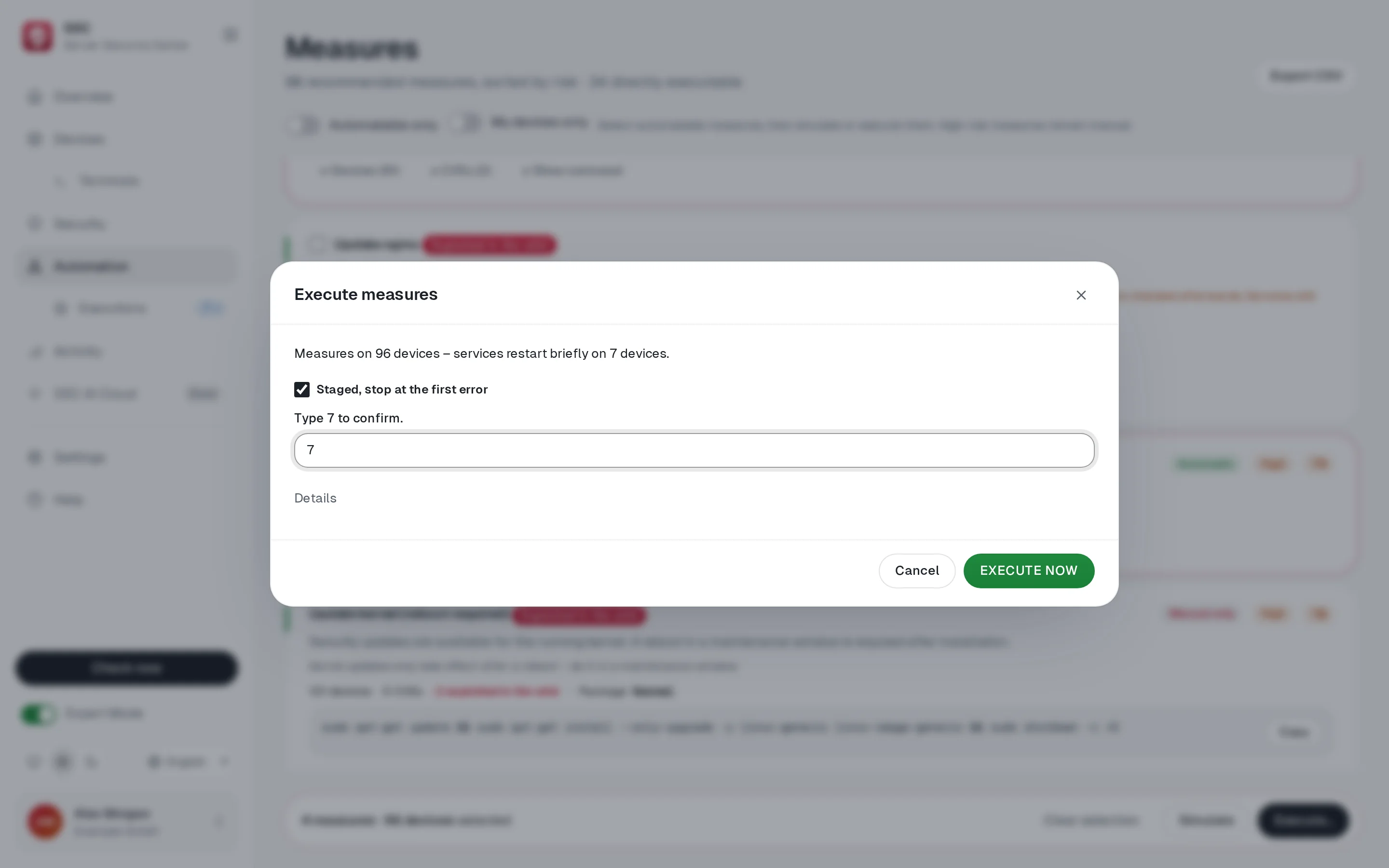
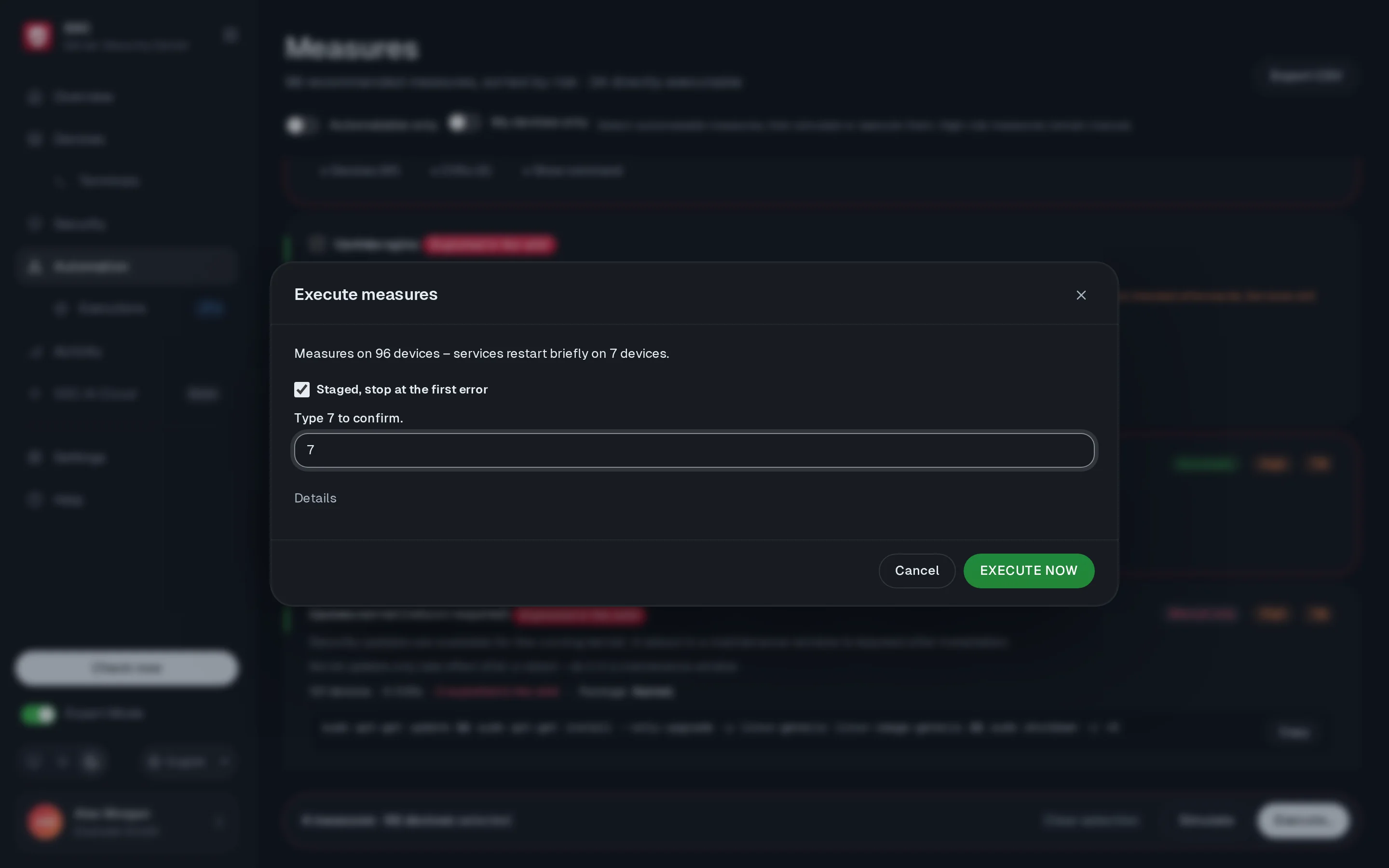
Issues already used in attacks worldwide come first.
A message on your phone, even at night: when a fix is ready and when it's done.
SSC checks what your devices show to the internet.


SSC fixes Windows PCs, Macs, Linux devices and NAS with the SSC helper. It checks routers, printers and cameras and tells you what to do.
Shows outdated software and devices that no longer get updates.
Take the tour
Your status in one sentence, plus devices, fixes today and what needs your approval.
SSC AI Cloud – included
“Is anything exposed to the internet?”
SSC plans the work and tries it out. You approve with one click.
SSC AI Cloud explains in plain words what matters, and advises against anything risky.
Included in your license at no extra cost, with a monthly allowance.
How it works
 1
SSC guides you through the setup. The SSC helper, a small program, is set up in a minute.
 2
SSC checks your devices around the clock for known security issues and missing updates.

 3
One click on “Fix now”, and SSC does what's right for that device.

Security by design
SSC changes nothing without your approval.
Checks only read. Nothing changes until you approve a fix.
On the go
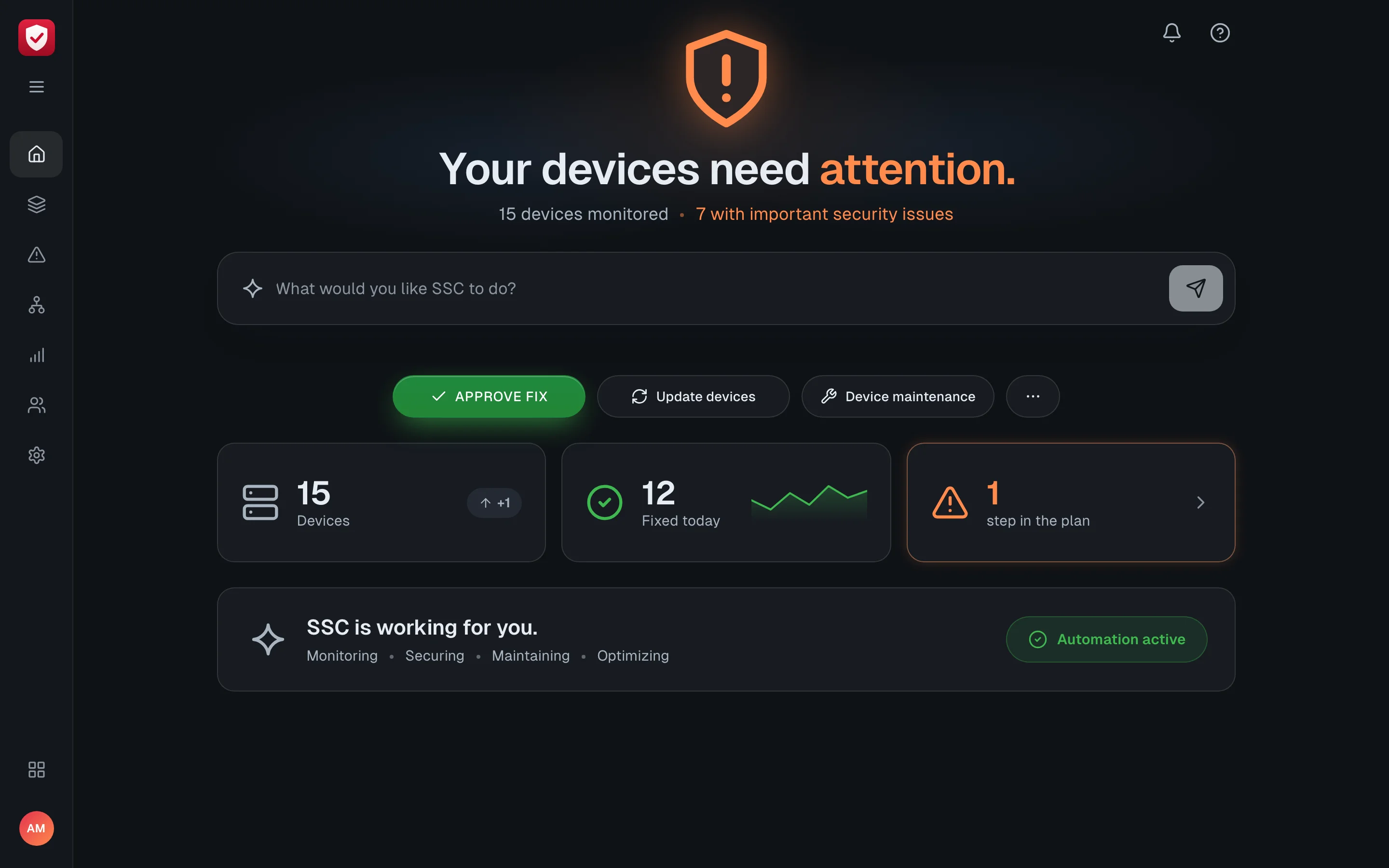
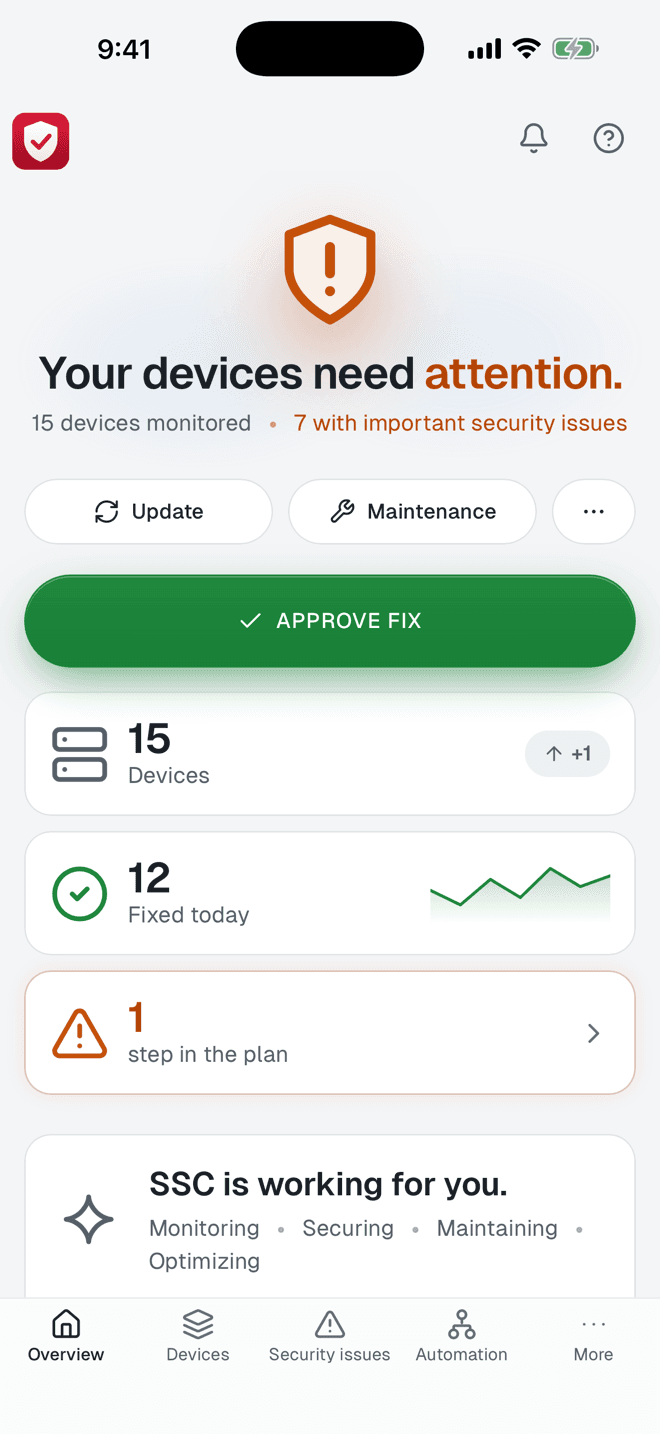
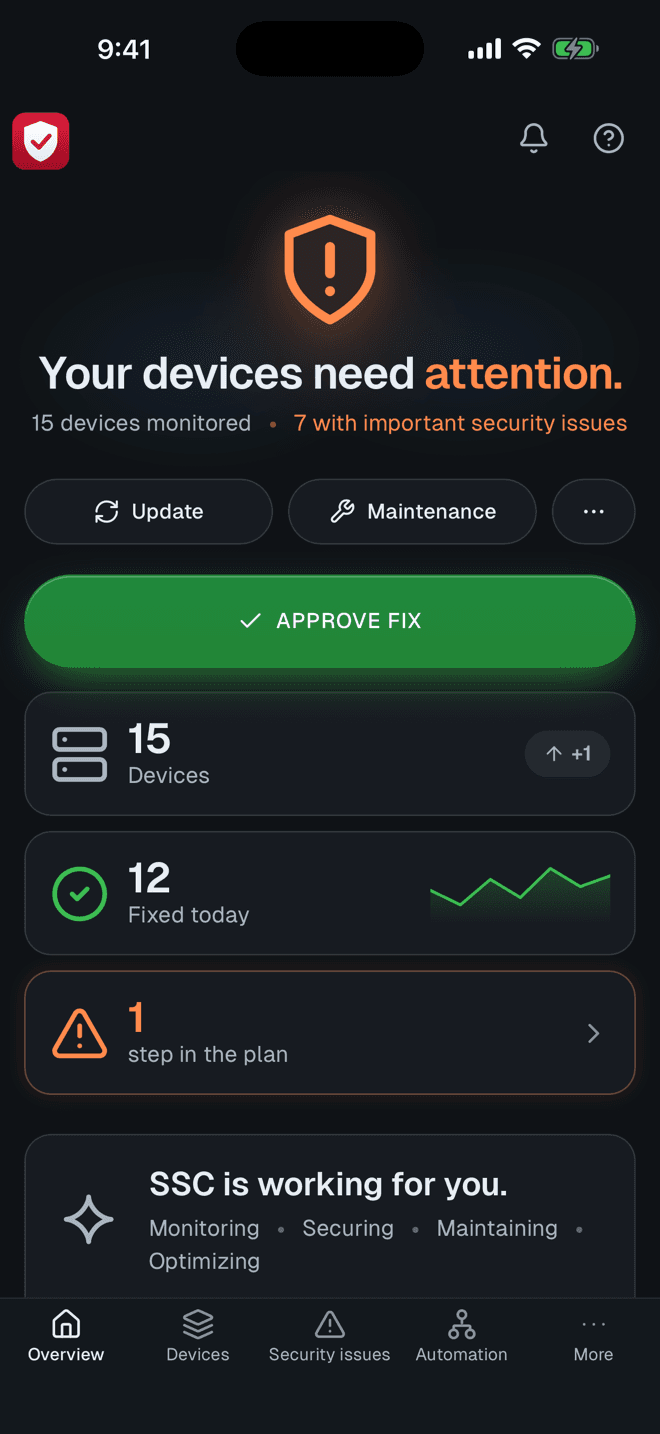
How your devices are doing, in one sentence.
As soon as a fix is ready – even with no computer running.
Confirmed with Face ID.
For iPhone, iPad and Android.
Everywhere you work
One license: the app on up to 3 computers per user.
Pricing
Free for up to 3 devices. For more: €9 per user per month billed yearly, €12 billed monthly.
No credit card · No end date
Billed monthly
How many devices should SSC check?
No credit card. You start with Free and switch whenever you like.
Need 50+ users, invoicing or a custom agreement? Talk to us
No. Simple Mode tells you in plain words how your devices are doing and what needs your approval.
Just the SSC helper, a small SSC program. It's set up in a minute, and the app guides you through it. Devices that can't run it are checked from outside.
Only if you allow it. Every fix waits for your approval; for harmless ones you can allow once that SSC handles them by itself from then on. SSC tries every fix first. Before deleting, restarting or switching off, SSC always asks. One button stops all changes, and SSC keeps watching.
Every device on your network: PCs, Macs, servers, NAS, routers, printers, cameras, smart TVs, smart-home devices and phones. On Windows PCs, Macs, Linux devices and NAS with the SSC helper, SSC also fixes problems; for cameras, routers and printers it tells you what to do.
SSC AI Cloud finds the best fix for each device, tests it and advises against risky ones. Ask in your own words how your devices are doing, and give tasks that you then approve. Included in your license at no extra cost, with a monthly allowance. More about SSC AI Cloud
A user is one person with access to SSC, with the app on up to 3 computers. A device counts once SSC looks after it for good; the first 50 per team are included. Prices are the same in euros and US dollars.
Yes. Free protects up to 3 devices with all features, for one user, with no credit card and no end date. SSC AI Cloud is included with a monthly allowance. For more devices or your team, switch to the paid plan anytime.
Yes. Change users or cancel in the billing portal. Your license stays active until the end of the paid period.
Yes. Each payment comes with a proper invoice. For a private purchase the price shown includes VAT; businesses enter their VAT ID at checkout, VAT is added on top (reverse charge within the EU).
Sentinel Security Center is a product of WebConnect World SL, Madrid, Spain. Behind it is Saber Maram, M.Sc.
Questions: support@serversecuritycenter.com